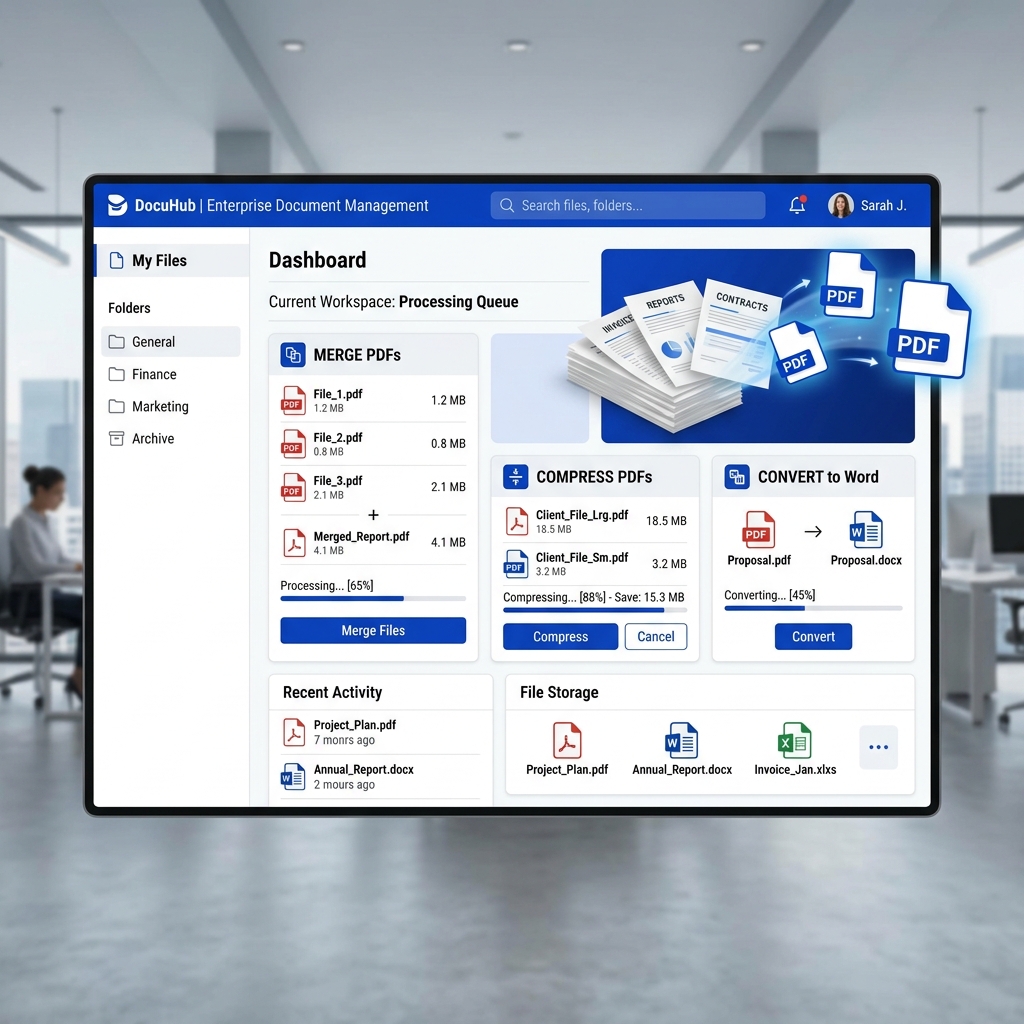
The PDF (Portable Document Format) is the universal language of the professional world. From legal contracts and academic resumes to invoices and e-books, we interact with PDFs every single day. However, editing and managing these files often requires paying for expensive desktop software. Or does it?
In 2025, you can perform almost any PDF manipulation directly in your web browser. This guide explores the must-have free PDF utilities that every professional and student should have in their digital toolkit.
1. Merging & Splitting: Complete Document Control
Oftentimes, you have several separate research papers or invoice scans that need to be consolidated into a single document. Instead of struggling with email attachments, you can use a PDF Merger to combine them into one professional file. Conversely, if you have a massive 100-page report but only need the executive summary, a PDF Splitter allows you to extract exactly the pages you need in seconds.
2. Compression: Shrink Files, Not Quality
We've all been there: you try to upload a PDF to an application portal only to find a "5MB limit" error. Large PDFs filled with high-res images can be massive. A smart PDF Compressor optimizes the internal data structures of the file, reducing its size significantly while ensuring the text remains sharp and the images clear.
3. The Powerful World of Conversion
Sometimes you need to take the data out of a PDF. Maybe you need to edit a report in Microsoft Word or extract a table into Excel. Modern conversion tools have become incredibly accurate, maintaining the original layout and formatting during the transition.
- PDF to Word: Perfect for editing old documents where the original source file is lost.
- PDF to Excel: Essential for financial analysts who need to process data locked in annual reports.
- JPG to PDF: The easiest way to turn physical notes or photos of documents into a formal PDF submission.
4. Security & Privacy
When handling sensitive documents, security is paramount. In 2025, many users are rightfully wary of uploading confidential papers to random servers. That's why at MultiTools Hub, our PDF tools process your files locally whenever possible, ensuring your data never leaves your device. Whether you're password protecting a file or unlocking one for review, your privacy is our priority.
Conclusion
PDF management doesn't have to be a headache or an expense. By familiarizing yourself with these free online utilities, you can handle any document task with the confidence of a pro. Bookmark these tools today and stop paying for functionality that should be free for everyone.