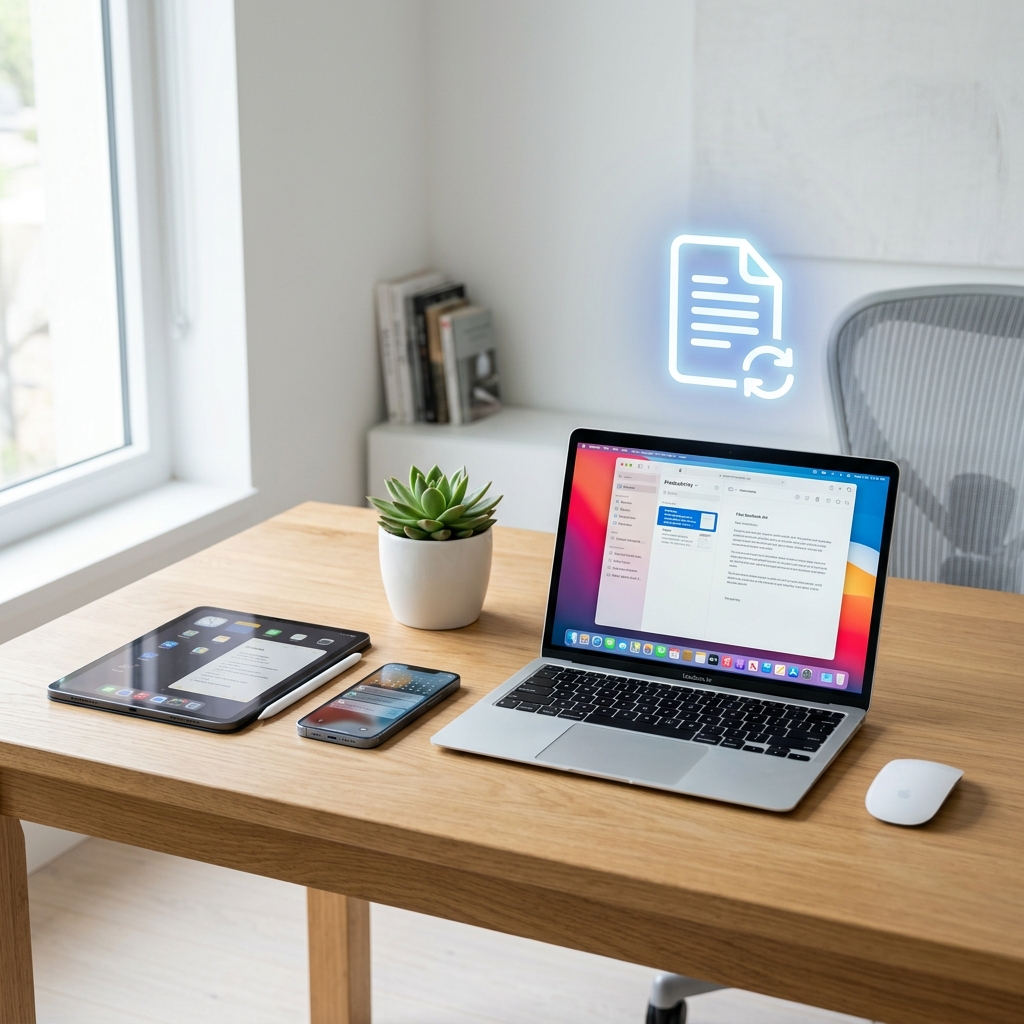
Take a look around your desk right now. Be honest—what do you see? If you're like most professionals I talk to, you're probably looking at a sticky note containing a password you should definitely not have written down, a stack of utility bills, a printed contract waiting for a signature, and three empty coffee cups. (I can't help you with the coffee cups, but I can definitely help with the rest!)
For decades, we’ve been promised the utopian vision of the "paperless office." Yet, year after year, the printer keeps jamming, the filing cabinets keep getting heavier, and the anxiety of losing a crucial document never really goes away. But here is the reality check: we are well into 2026. The technology required to completely eliminate paper from your professional and personal life isn’t just available; it’s incredibly cheap, universally accessible, and astonishingly easy to use.
Whether you are running a multi-million dollar business, freelancing from your living room sofa, or just trying to get your home documents organized, transitioning to a digital-first ecosystem is one of the highest-leverage moves you can make. In this ultimate guide, I am going to walk you through exactly what a paperless office is, the immense benefits of building one, and a practical, step-by-step roadmap to actually pulling it off without losing your mind.
What Exactly is a "Paperless Office"?
Let's define our terms. A paperless office isn't just a room where you threw the printer out the window (though that sounds therapeutic). In simple terms, a paperless office is a work environment where physical paper is practically eliminated in favor of digital documents, automated workflows, and cloud-based storage.
It means that when a client sends you an invoice, it goes into a digital folder, not a physical tray. When you need to sign a contract, you do it with a digital stylus or an e-signature tool, rather than printing it, signing it with a pen, scanning it back in, and shredding the original. It is fundamentally about seamless data flow. Paper traps data on a physical medium; a paperless system frees that data so it can be searched, shared, and secured instantly.
The Undeniable Benefits of Going Paperless
If you need some motivation to start scanning your old tax returns, consider the massive upsides of ditching the paper habit:
- 1. Instant Searchability: Imagine needing a receipt from a business dinner you had three years ago. In a paper office, that means spending two hours digging through dusty cardboard boxes in the basement. In a digital office, you type "Dinner Receipt March 2023" into your search bar, and it appears in 0.5 seconds.
- 2. Massive Cost Savings: Printer ink is famously one of the most expensive liquids on the planet. Add in the cost of the printer itself, paper reams, physical filing cabinets, folders, staples, and the actual real estate floor space those cabinets take up, and the savings become substantial.
- 3. Bulletproof Disaster Recovery: If a pipe bursts or a fire breaks out in your office, physical documents are destroyed forever. Digital documents stored securely in the cloud are completely immune to localized physical disasters.
- 4. Work-From-Anywhere Freedom: You cannot drag a four-drawer filing cabinet to a coffee shop. When your entire office exists on your laptop or smartphone, your physical location no longer dictates your ability to work.
- 5. The Environmental Impact: It goes without saying, but reducing paper consumption saves trees, reduces chemical waste from ink, and lowers your overall carbon footprint. It’s a win for your business and a win for the planet.
The Step-by-Step Process to Go Fully Paperless
Alright, you’re sold on the idea. Now, how do we actually do this? Going paperless shouldn't happen overnight. It’s a transition. Here is the exact blueprint to follow.
Step 1: The Great Purge (Stop the Bleeding)
You cannot build a digital future if you are buried in physical past. The first step is to stop incoming paper and deal with what you have. Switch all your bank statements, utility bills, and subscriptions to "paperless delivery." Call vendors and politely request that they email invoices instead of mailing them. Once the inflow is stopped, buy a heavy-duty shredder and aggressively destroy anything physical that you legally no longer need to keep.
Step 2: The Hardware & Software Setup
You need a way to get the remaining paper into your computer. If you have hundreds of pages, invest in a dedicated desktop document scanner (like a ScanSnap or a Brother). These machines can chew through 50 pages a minute, scan both sides simultaneously, and automatically fix crooked pages.
If you only have occasional scanning needs, your smartphone is more than enough! As covered in our Mobile Scanning Guide, modern phone cameras equipped with AI can auto-crop and enhance documents perfectly. Use built-in tools like Apple Notes, Google Drive, or apps like Adobe Scan.
Step 3: Establish a Cloud Storage Strategy
Do not scan 500 documents and leave them sitting on your computer's "Desktop" folder. That is digital hoarding, not a paperless office. You need a secure cloud storage provider like Google Workspace, Microsoft OneDrive, or Dropbox.
Crucial Tip: Create a strict folder structure immediately. For example, group folders by Year -> Category -> Subcategory (e.g., 2026 -> Financials -> Invoices). If you establish this logic on day one, finding documents later becomes incredibly intuitive.
Step 4: Master PDF Manipulation
The PDF is the currency of the paperless office. However, you will frequently need to alter them. Instead of buying expensive desktop software, use our completely free suite of online PDF tools to manage your workflow.
- Got a massive scanned file? Use a PDF Compressor so it fits into an email.
- Need to combine several scanned receipts? Run them through a PDF Merger.
- Client sent you a PDF form but you need to rewrite it? Use a PDF to Word converter to unlock the text.
Step 5: Embrace Digital Signatures
This is where most people fail. They do everything digitally until a signature is required, at which point they print the document. Stop doing this! Use tools like DocuSign, HelloSign, or even the built-in markup tools on your Mac or Windows PC to drop a legally binding digital signature onto your documents. It takes two seconds and keeps the document entirely within the digital realm.
Real-Life Examples of the Paperless Transition
Let's look at how this transition plays out across different types of users in 2026.
The Home User / Solopreneur
Meet Jessica, a freelance writer. She used to have a messy "inbox" tray on her desk filled with receipts, tax forms, and rough drafts. Today, the tray is gone. When a receipt arrives, she snaps a photo with her phone, which automatically uploads to her "2026 Expenses" folder on Google Drive. When she writes, she uses Google Docs. Her desk is completely clear, save for a laptop and a houseplant, drastically reducing her daily stress and anxiety.
The Traditional Small Business
Robert runs a local accounting firm. For twenty years, his office was lined with towering filing cabinets holding thousands of client tax returns. Transitioning was scary, but over six months, he hired a temp worker to feed every historical file into a high-speed scanner. Now, his staff uses dual monitors—one to view the client's digital W-2, and one to input the data. The firm saved $1,200 a month just by downsizing their office space because they no longer needed a "file room."
The Corporate Environment
At a mid-sized tech company, HR used to hand out massive printed employee handbooks to every new hire. Now, onboarding is completely automated. Employees receive a secure link to a digital PDF handbook. They sign their non-disclosure agreements via a secure e-signature platform before they even step foot in the building. Everything is tracked, logged, and securely backed up in the cloud.
Common Mistakes and How to Avoid Them
Going paperless is a phenomenal upgrade, but if you aren't careful, you can create a digital mess that is worse than a physical one. Watch out for these pitfalls:
- The "Untitled_Document_1" Syndrome: If you scan a document and don't rename it immediately, you will never find it again. Establish a strict naming convention. A great formula is YYYY-MM-DD_CompanyName_DocumentType (e.g., "2026-05-08_Verizon_Internet_Bill.pdf").
- Hanging Onto the "Hybrid" Crutch: A hybrid office (half paper, half digital) is the worst of both worlds. You never know where to look for a document. Commit fully. Once a piece of paper is scanned, shred it (unless legally required to keep the physical original).
- Ignoring Backups: Cloud storage is incredibly safe, but human error (like accidentally deleting a folder) is very real. Ensure your cloud provider has a "trash bin" recovery feature, and consider doing a periodic backup of your cloud drive to a physical external hard drive just to be safe.
- Poor Security Practices: If your entire life is in a digital folder, you must protect it. Ensure your cloud accounts have strong passwords and Two-Factor Authentication (2FA) enabled. For highly sensitive files, use a PDF Protector tool to add password encryption directly to the document.
Frequently Asked Questions (FAQ)
In the vast majority of cases, yes. The IRS and most international tax bodies accept digital, scanned copies of receipts and invoices. Digital contracts signed with certified e-signature tools hold the same legal weight as pen and ink. However, always consult with a local attorney for documents like wills, passports, or property deeds, which often require physical originals.
This is a common fear! Modern cloud storage providers like Google Drive and OneDrive have desktop apps that sync files to your local hard drive. If the internet drops, you can still access, read, and edit your local files. Once the connection returns, the changes automatically sync back to the cloud.
You can't control others, but you can control your workflow. When you receive a physical letter or invoice, immediately scan it into your system, reply to the client via email (attaching the digital copy if necessary), and shred the original. Train them gently by ensuring your outgoing communication is purely digital.
If you process hundreds of pages a week, a dedicated $400 desktop scanner is worth its weight in gold. If you process 5-10 pages a week, your smartphone's camera paired with a free scanning app is completely sufficient. Don't overspend before you understand your actual volume.
For an individual or freelancer, you can set up the cloud structure and go paperless in a single weekend. For a small business with years of backlog, it can take 3 to 6 months of gradual scanning to fully transition. The key is to start by making all *new* incoming documents digital immediately, and then slowly chew through the old archives.
Major cloud providers spend billions on security infrastructure that a small business could never afford. Your data is encrypted on their servers. 99% of data breaches happen because the user had a weak password or fell for a phishing scam. Enable Two-Factor Authentication, and your digital office will be highly secure.
Yes, but you must ensure your scanning process includes OCR (Optical Character Recognition). OCR software "reads" the image of the text and makes it searchable. Most high-end scanners and premium cloud drives (like Google Drive) perform OCR automatically when you upload a PDF.
Conclusion
Building a paperless digital office in 2026 is no longer a futuristic dream reserved for tech billionaires. It is a highly practical, immensely freeing reality that is accessible to anyone with a smartphone and an internet connection. The transition might seem daunting at first, but once you experience the sheer joy of searching for a document and finding it in less than a second, you will never want to look at a filing cabinet again.
Start small. Cancel your paper bank statements today. Set up a neat folder structure tomorrow. Familiarize yourself with free PDF utilities to manage your new digital files. Step by step, you will reclaim your desk space, secure your data, and dramatically boost your daily productivity. Welcome to the future of work!