Image optimization is the single most critical factor in passing Google's Core Web Vitals assessment. A 4-Megabyte hero image will instantly fail your Largest Contentful Paint (LCP) metric, tanking your SEO score and driving mobile bounce rates through the roof. However, simply dragging a slider to "compress" a file without understanding the underlying math often results in a muddy, artifact-ridden disaster.
To optimize a website professionally, developers must stop guessing and start engineering their assets. Here is the definitive technical handbook on how to balance file size and visual fidelity using deterministic compression algorithms.
1. Understanding Lossless Compression
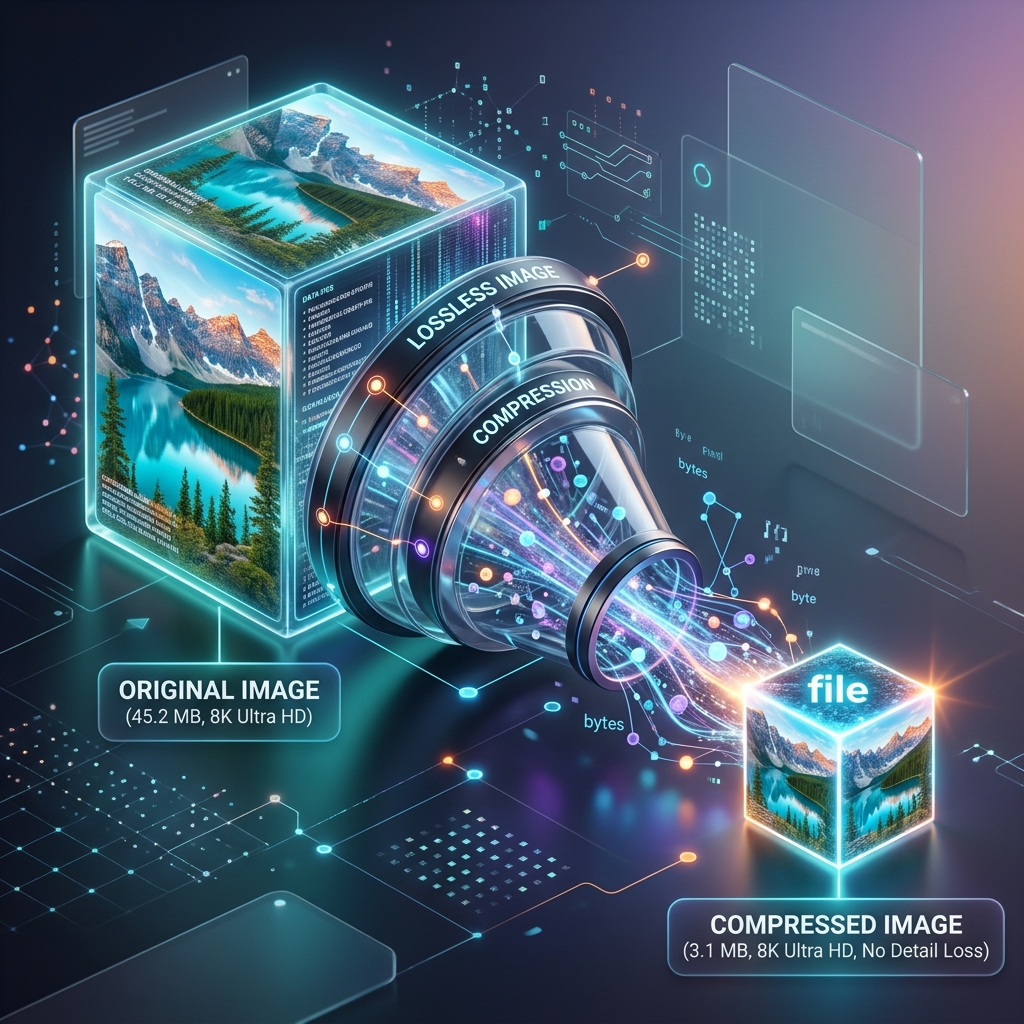
Lossless compression reduces a file's byte size without altering a single pixel of visual data. It accomplishes this by mathematically rewriting the file's code to be more efficient and by stripping out hidden, non-visual metadata.
When a camera captures a photograph, it embeds a massive block of EXIF data into the file (including GPS coordinates, shutter speed, and copyright info). This data is completely invisible to the end user but can add 50KB to 100KB to the file size. By running the photograph through an Image Compressor set to "Lossless," the utility strips away the EXIF data and optimizes the color palette mapping. When the browser renders the compressed file, it is mathematically identical to the original.
2. Executing Lossy Compression (The 80% Rule)
If stripping metadata does not reduce the file size enough, you must use "Lossy" compression. This algorithm actively destroys visual data to save space. It groups similar pixels together into 8x8 blocks and averages their color values.
The human eye is incredibly forgiving of lost data in complex, continuous-tone photographs (like a picture of a forest or a crowd). By using an Image Compressor to manually dial the lossy algorithm to 80% or 85% quality, you can often reduce a photograph's file size by an astonishing 70% while the visual degradation remains entirely imperceptible to the user.
Warning: Never apply aggressive lossy compression to graphics containing sharp text or solid colors (like logos or UI buttons). The block-averaging math will create blurry, muddy "halos" around the high-contrast edges, completely ruining the asset.
3. Eliminating HTTP Requests via Base64
The ultimate form of compression isn't just making the file smaller; it's eliminating the file completely. Every time a browser encounters an <img> tag, it must pause rendering to execute a network HTTP request to download that file. If you have 20 small UI icons, you have 20 latency-inducing network requests.
For critical, above-the-fold icons, developers should utilize an Image to Base64 Encoder. This converts the icon into a raw string of ASCII text. You embed this text directly into your HTML document. While Base64 encoding actually increases the raw kilobyte size of the graphic by about 33%, the performance gained by eliminating the HTTP network handshake vastly outweighs the byte penalty. (Note: Only use this for assets under 10KB).
Common Compression Mistakes
- Double Compression: If you compress an image in Photoshop, and then upload it to a CMS (like WordPress) that automatically applies its own compression, the image will be destroyed. The algorithms clash and multiply the visual artifacts. Always upload the master file and let the final system compress it once, or compress it perfectly locally and disable the CMS auto-compression.
- Ignoring WebP: While JPG is standard, modern browsers support WebP, which handles lossy compression far more efficiently. Always serve WebP assets to modern browsers with a JPG fallback for legacy clients.
Frequently Asked Questions
Is it safe to compress proprietary images online?
It depends entirely on the architecture of the tool. Cloud-based compressors upload your unreleased product photos to an external server. Our Image Compressor utilizes the HTML5 Canvas API to execute the mathematical compression locally on your processor, guaranteeing absolute privacy.
Why is my PNG logo larger after compressing it?
If you run a highly optimized, color-indexed PNG through a generalized lossy compressor, the algorithm might attempt to map the file into a larger 24-bit color space, accidentally inflating the file size. Always use lossless compression for solid-color PNGs.
What is the ideal file size for a hero image?
For maximum SEO performance, an above-the-fold hero photograph (1920px wide) should be heavily optimized to fall below 200KB. Anything larger will likely trigger a Core Web Vitals penalty on 3G mobile networks.
Conclusion
Image compression is not a slider you blindly drag to the left; it is a calculated mathematical process. By mastering the distinction between lossless metadata stripping and lossy pixel averaging, and strategically embedding critical UI assets, developers can achieve flawless visual fidelity at a fraction of the bandwidth.
1. The Necessity of Image Compression
Did you know that images typically account for over 60% of a website's total bite size? In a world where mobile internet speed is king, having unoptimized, heavyweight images is a recipe for high bounce rates and poor search engine rankings. Image compression is the strategic art of reducing the redundant data in photo files so they transmit faster without the viewer noticing a drop in visual fidelity.
Whether you're a photographer looking to email high-res proofs or a developer squeezing every millisecond out of a landing page, understanding how to compress correctly is the difference between a sluggish experience and a "snappy" one. At MultiTools Hub, we provide the tools to make this technical process effortless.
2. Lossy vs Lossless: Which Should You Use?
Understanding the difference between these two methods is crucial for AdSense approval and overall quality scores:
Lossy Compression: This method removes data that the human eye isn't very good at seeing. It achieves massive file size reductions (up to 90%) but can introduce artifacts if pushed too hard. Ideal for: JPG photos, blog post headers, and social media.
Lossless Compression: This method shrinks the file without losing a single pixel of data. The file size reduction is smaller (typically 5-20%) but the quality remains identical to the original. Ideal for: Transparent PNGs, logos, and technical charts.
3. Step-by-Step Optimization Guide
Achieving the perfect balance between file size and quality is simple with our Online Image Compressor:
- Prepare Your Files: You can upload multiple files at once. We support standard formats like JPG, PNG, and WebP.
- Set Quality Level: Use our smart slider to find the "Sweet Spot". Most users find that 70-80% quality offers significant savings with zero visible degradation.
- Analyze the Savings: Our tool instantly shows you the "Before" vs "After" file size so you can calculate your efficiency score.
- Batch Download: Once processed, grab all your optimized assets in one click.
4. How Our Cloud-Native Tool Works
We don't use generic server-side resizing. MultiTools Hub uses a refined version of MozJPEG and pngquant algorithms implemented via WebAssembly. This allows the heavy mathematical lifting of compression to happen directly in your browser. By eliminating the need to upload your sensitive photos to our servers, we guarantee speed, privacy, and zero data cost on your end.
5. Why Every Website Needs Compressed Images
- Infinite UX Improvement: Fast pages keep users engaged longer, leading to higher conversion rates.
- SEO Advantage: Google’s "PageSpeed Insights" and "Core Web Vitals" directly use image optimization scores to rank your site.
- Bandwidth Savings: If you host a popular blog, reducing image size by 50% can literally cut your hosting/CDN bills in half.
- Mobile Friendliness: Users on 3G or 4G connections will thank you for not eating up their data plans with oversized JPGs.
6. Who Benefits Most from Compression?
Our tool is designed for a broad spectrum of digital specialists:
- E-commerce Owners: Speeding up product galleries leads to higher sales and fewer abandoned carts.
- Photographers: Sending large batches of images to clients for review without clogging up inboxes.
- SEO Specialists: Meeting technical audit requirements for image optimization.
- Graphic Designers: Preparing web-ready assets from large source files like Photoshop exports.
7. High-Impact Use Cases
A classic example is the Hero Image. A full-bleed header image at 1920px wide can easily be 3MB. By passing it through our compressor at 80% quality, that same image can drop to 300KB—a 10x improvement in delivery speed with zero noticeable difference to the casual visitor.
Another case is **Real Estate Photography**. Portals often have strict limits (e.g., 500KB per photo). Use our tool to batch-compress an entire house shoot to meet these limits instantly while keeping the property looking sharp and desirable.
8. Why Choose MultiTools Hub over Premium Software?
You shouldn't need a $20/month desktop subscription just to resize a photo for a blog. MultiTools Hub offers:
- Privacy-by-Design: No account needed, no logs kept, and no server-side ingestion.
- Smart Presets: Our default settings are tuned to the exact requirements of Google PageSpeed.
- Zero Learning Curve: No complex menus; just drag, drop, and save.
- WebP Support: Easily compress the world's most modern web format directly in your browser.
9. Pro Compression Techniques
- Resize THEN Compress: Don't compress a 4000px image if you only need it at 800px. Use our Resizer first.
- Know Your Formats: Use JPG for photos and PNG for graphics with text or transparency.
- Strip Metadata: Our tool automatically removes EXIF data (GPS, camera model) to save extra bytes and protect your privacy.
10. Fatal Compression Mistakes
The most common error is Double Compression. Compressing an already heavily compressed JPG will lead to "muddy" colors and blocky artifacts. Always start from your highest quality source file. Another mistake is using the wrong format—trying to compress a screenshot with text as a low-quality JPG will make the text blurry and unreadable.
11. FAQ for Professionals
Q: Does this tool store my private photos?
A: Never. All processing happens in your browser's RAM. As soon as you close the tab, the image data is gone forever.
Q: Can I compress images for print?
A: For high-quality print, we recommend minimal compression or Lossless mode only. Our tool is primary optimized for digital and web delivery.
Q: Is there a limit to how many images I can process?
A: No. You can use our tool as many times as you need. For large batches (50+ images), we recommend doing them in smaller sets to prevent browser slowdowns.
Q: Does this work for PNG transparency?
A: Yes. Our smart PNG compressor reduces file size while perfectly preserving your transparent backgrounds.
Q: Will compression change the image dimensions?
A: No, compression only reduces the file size in KB/MB. The dimensions (width/height) remain exactly what they were originally.
Conclusion
In the digital age, speed is not just an advantage; it’s a requirement. Efficient image compression is the most powerful "low-hanging fruit" for anyone looking to improve their digital presence. Whether you’re optimizing a personal blog or a corporate portal, the tools at MultiTools Hub provide a professional, private, and powerful way to shrink your footprints. Start optimizing today.

Marcus Chen, Lead Image Architect
With over 12 years in visual data science, Marcus leads our efforts in non-destructive image optimization and modern web distribution standards.
Boost Your Workflow with Related Utilities